Instrution is same for AstreamIPTV App. Just select that app instead
1. Hover over the Settings icon and select Applications.

2. Select Manage Installed Applications.

3. Locate and click Astream player or AstreamIPTV app.
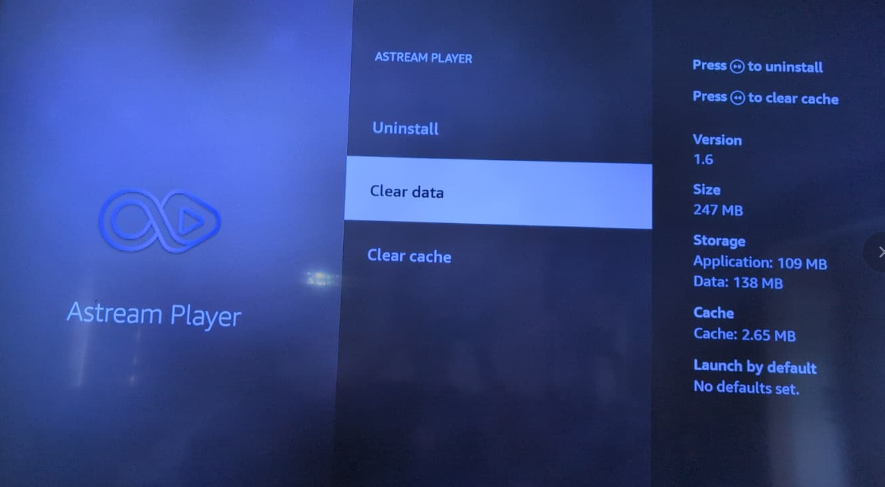
4. Select Clear data.

Modified on: Sat, 11 Jul, 2026 at 6:24 PM
1. Hover over the Settings icon and select Applications.
2. Select Manage Installed Applications.
3. Locate and click Astream player or AstreamIPTV app.
4. Select Clear data.
Did you find it helpful? Yes No
Send feedback