
Follow this guide ONLY if you already have AstreamWeb Play App installed and like to upgrade to latest version.
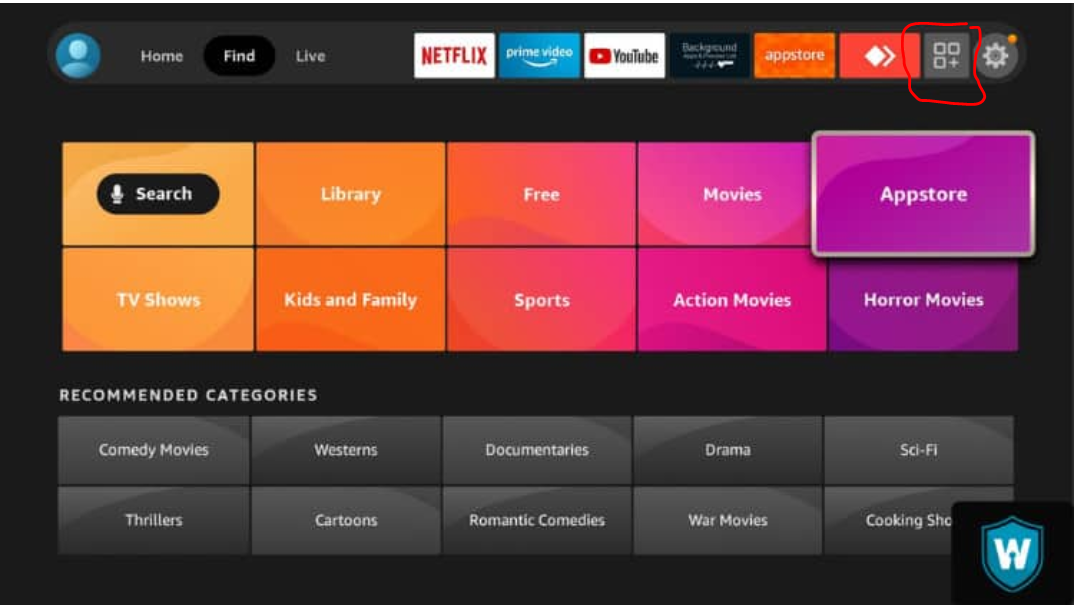
Step 1. Select "Show all apps" icon (se image below)

Step 6 Ener the following number in the adress bar: 4181399 (Use your Dpad to move the pointer to the adressbar)

Step 6 Astream Play download will begin
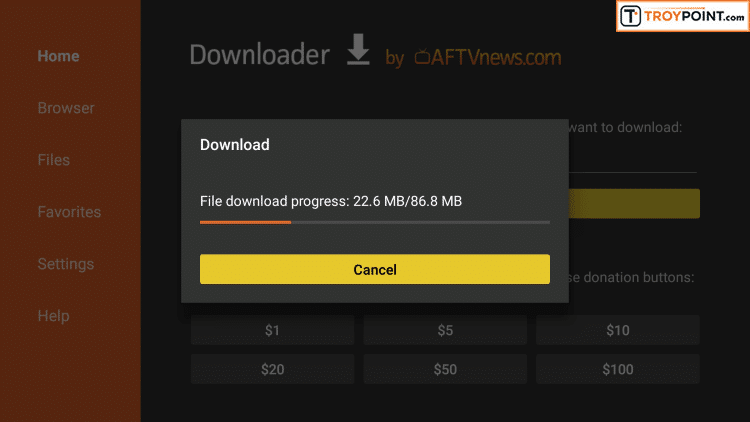
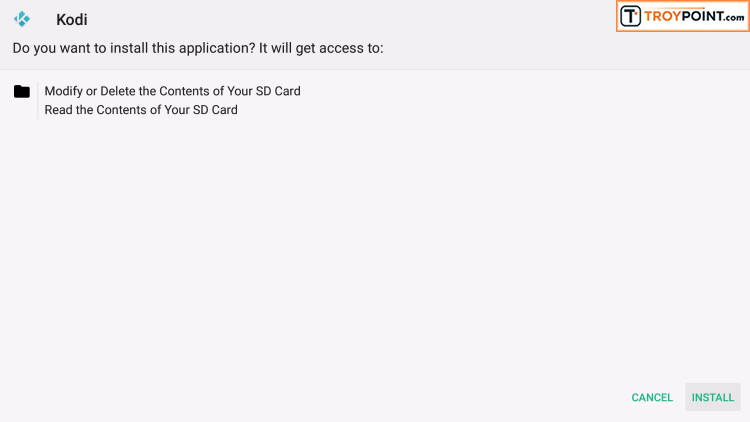
Step 7 Click Install on AstreamPlay setup page
Step 14 Click Open once AstreamWeb Play has been installed
Step 16. Now you find astreamweb play app under all apps section
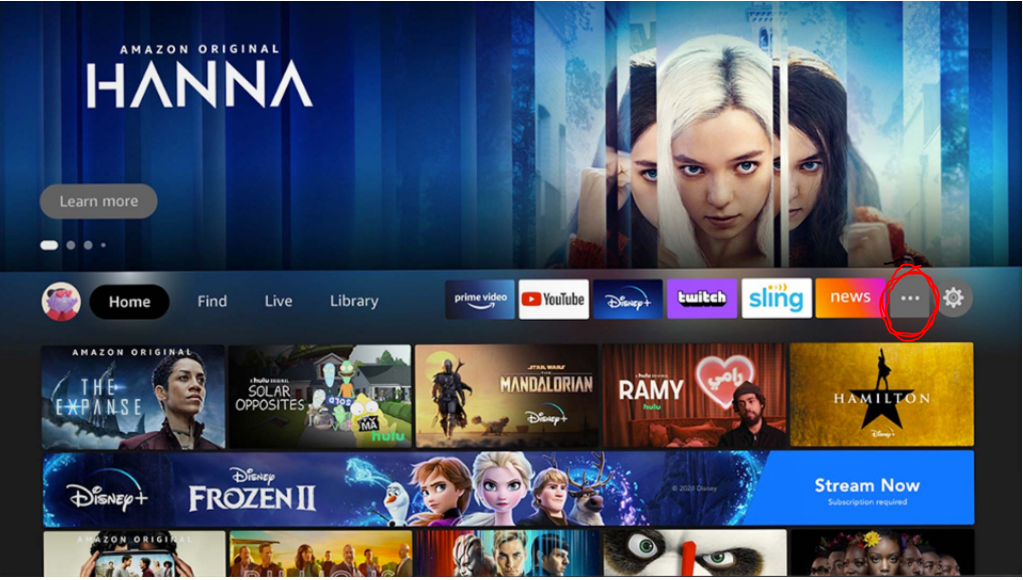
Step 18 Follow the below guide to bring AstreamPlay to home screen:
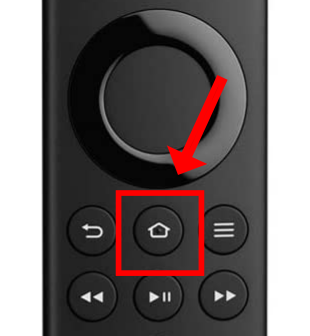
18.1 Hold down your Home button
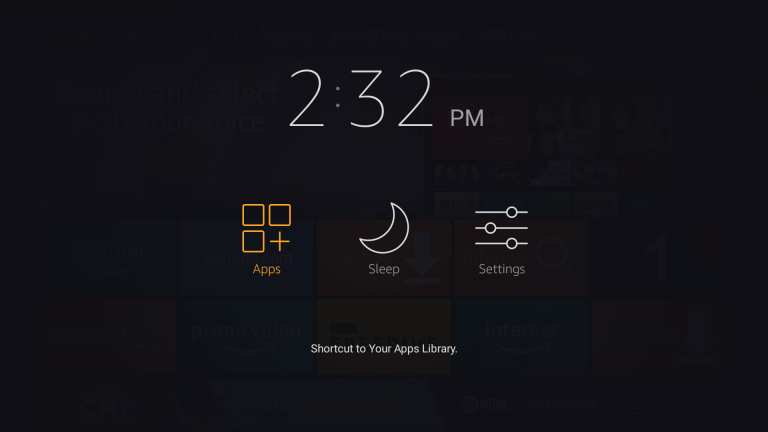
18.2 Now select Apps:
18.3 Highlight the app you like to bring to front page and press the Menu button on the remote.
18.4 Select Move to the front.