
Astream Player – Quick Start Guide
Astream Player provides full access to all AstreamWeb content, including IPTV live streaming, through a single interface.
IPTV Setup
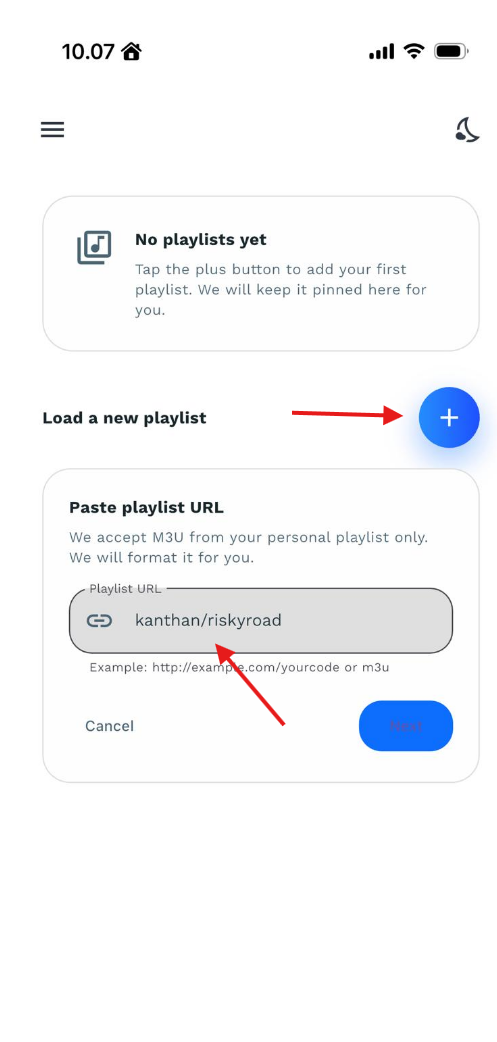
Configuration: Open the app, navigate to the playlist configuration screen, and enter your complete playlist URL (available in your member area). Assign a custom name to the playlist and save it to begin streaming live channels.
EPG Search: Use the integrated Electronic Program Guide (EPG) search engine to locate specific channels based on current or upcoming TV shows and programs.
________________________
Standard Account Login (On-Demand Content) To access the full library of AstreamWeb movies and series, connect using your user credentials:
Locate the Playlist URL/Code input field.
Enter your account credentials using the exact format:
username/password(the forward slash/must be included).Name your playlist and tap Save to complete the login process.
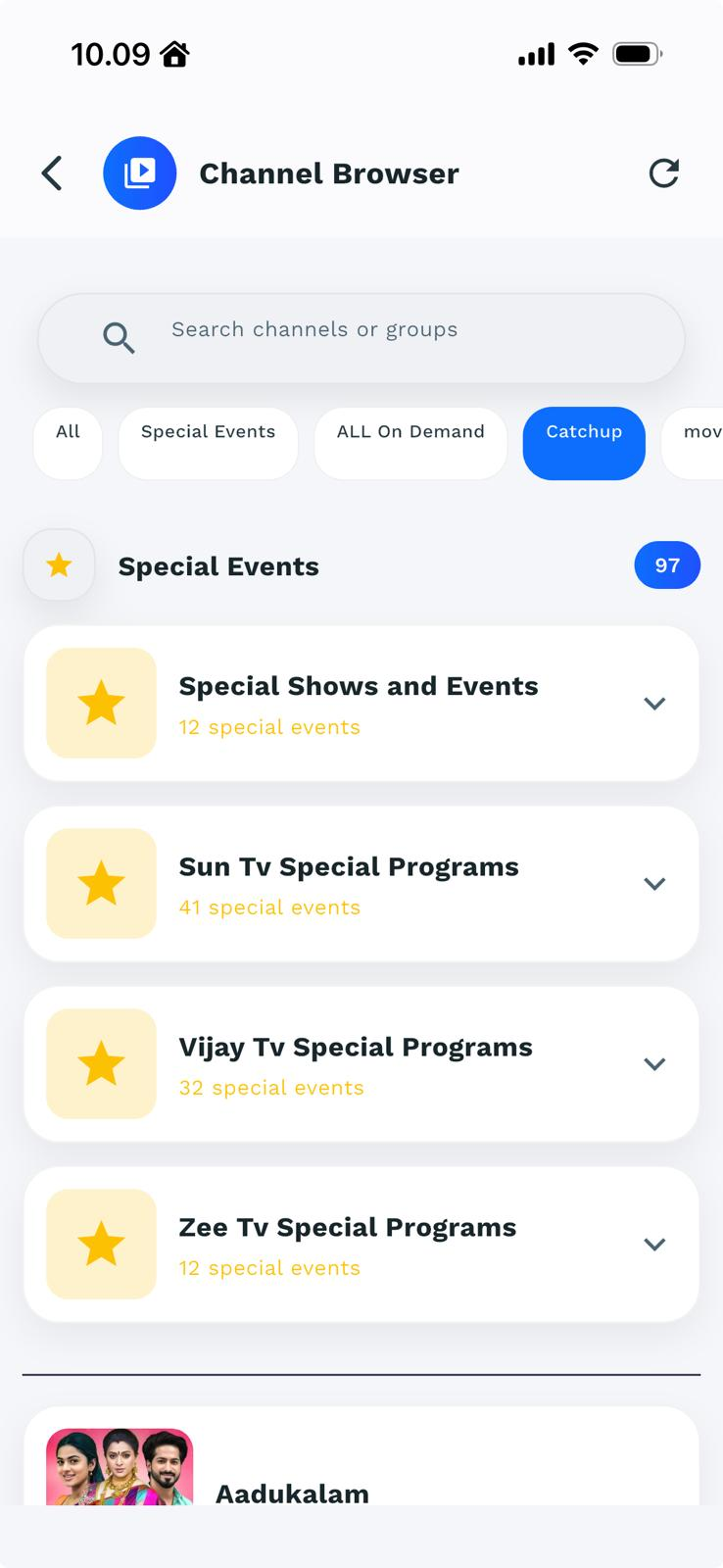
Navigating & Searching Content
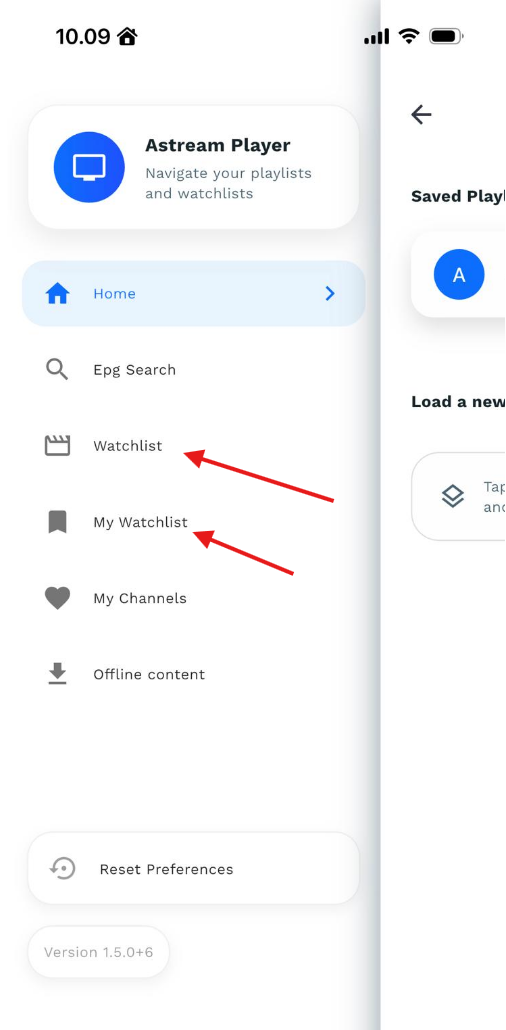
Accessing the Menu: Select the Menu icon located in the top-left corner of the home screen.
Content Search: Use the Search option to look up specific movies or series, or open the EPG view to browse scheduled programming.
Enjoy your streaming experience!